Currency

 AUD -
Australian Dollar
AUD -
Australian Dollar GBP -
British Pound
GBP -
British Pound INR -
Indian Rupee
INR -
Indian Rupee SGD -
Singapore Dollar
SGD -
Singapore Dollar
Toggle Nav

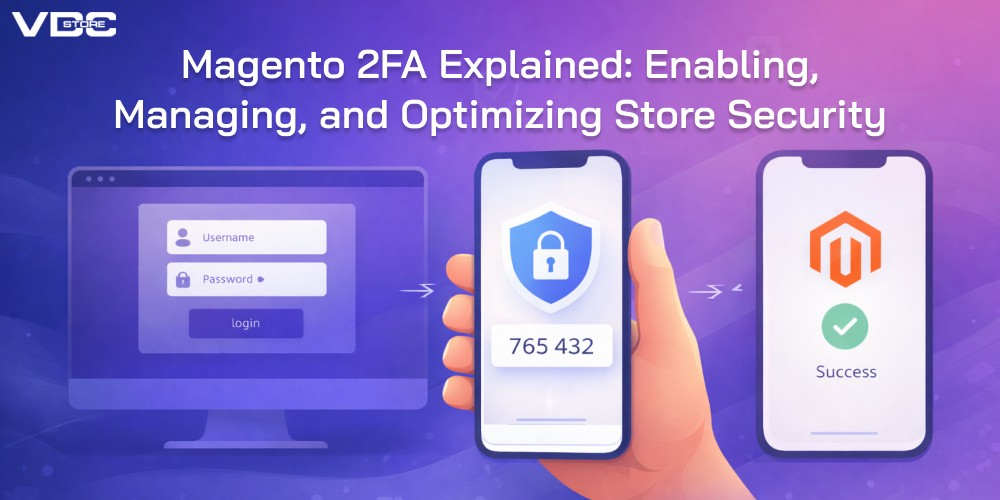
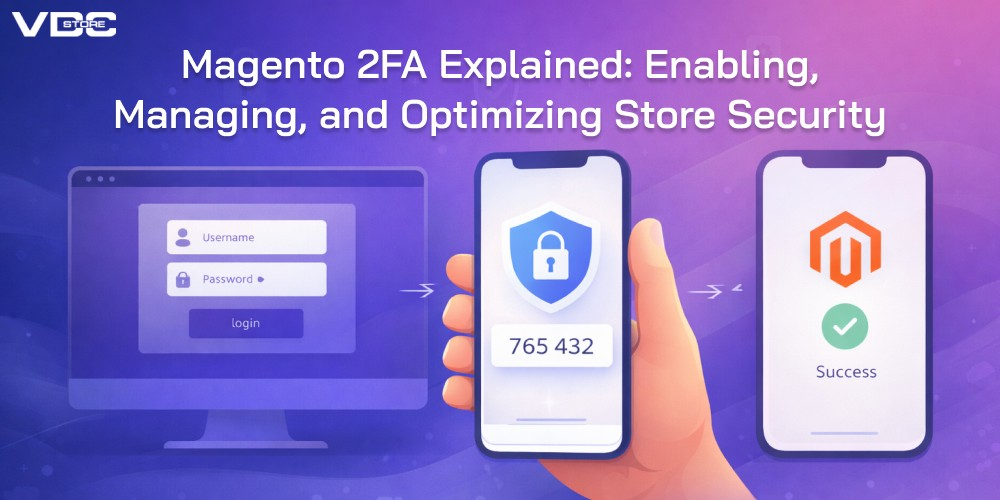
Magento 2FA Explained: Enabling, Managing, and Optimizing Store Security
26
Dec
Security isn’t just a checkbox — it’s a foundation for trust. In eCommerce, trust directly influences purchase decisions, customer loyalty, and long-term sustainability. For Magento merchants, platform security is mission-critical — and one of the most effective protective measures you can deploy today is Magento Two Factor Authentication (2FA).
Two Factor Authentication adds an additional verification step during login, making unauthorized access significantly harder, especially for admin accounts. With increasing threats targeted at eCommerce platforms, enforcing 2FA is no longer optional — it’s an essential layer of defense.
At VDCstore,we build powerful Magento extensions and security enhancements designed to help merchants protect their stores, data, and customers. In this guide, we’ll walk through:
- What Magento Two Factor Authentication is
- Why it matters for your store
- How to enable and manage it
- Best practices to optimize 2FA without impacting operations
Let’s dive in.
What Is Magento Two Factor Authentication?
Two Factor Authentication (2FA) is an extra layer of security for user login processes. Instead of requiring only a username and password, 2FA requires a second form of verification, typically achieved via:
- Mobile authentication apps (TOTP codes)
- SMS or email codes
- Hardware tokens
In Magento, 2FA is used primarily for Admin panel logins — protecting sensitive configurations, customer data, and operational workflows.
This greatly reduces risks associated with:
- Brute force attacks
- Credential stuffing
- Phishing
- Compromised passwords
The result? A more secure store and greater peace of mind for merchants.
Why Magento Stores Need Two Factor Authentication
Security threats aren’t theoretical — they are real, active, and evolving.
Here’s why 2FA matters:
1. Passwords Alone Are Not Enough
Passwords can be stolen, guessed, or reused across accounts. Once attackers have credentials, they only need a single login portal — such as an admin dashboard — to cause major damage.
2FA adds a second barrier that attackers don’t usually have access to.
2. Admin Accounts Are High-Value Targets
An admin portal gives access to product catalogs, order data, pricing, customizations, customer information — everything cybercriminals want. Securing admin logins protects not just your data but your customers’ trust.
3. Increased PCI & Compliance Protection
Many security standards and compliance frameworks increasingly expect multi-factor authentication. Enabling 2FA helps position your store as compliant and secure — especially if you handle payment data or sensitive consumer profiles.
4. Protects Store Performance & Reputation
A data breach isn’t just a technical issue — it’s a business crisis. Loss of trust, search ranking damage, potential lawsuits, and reputational harm can take years to recover from. 2FA is one of the simplest preventive measures with huge impact.
How to Enable Two Factor Authentication in Magento
Magento includes native support for 2FA, but it must be configured to take effect.
Here’s how to activate it:
Step 1: Install Two Factor Authentication Modules
Magento comes with built-in modules for common 2FA methods, but ensure these are installed and enabled. If not, you can install them via composer or through compatible extensions.
Step 2: Configure Authentication Methods
Access your admin panel and navigate to Security > Two Factor Auth Settings. Here you can choose and configure available authentication providers — for instance, Google Authenticator or other TOTP applications.
Step 3: Assign 2FA to Admin Users
Enable policies that require all admin users to register an authentication method. This ensures every admin account must use 2FA during login.
Step 4: Test and Verify
Before enforcing 2FA across your entire team, test the setup with a few admin accounts to ensure codes are generated and accepted correctly.
Once verified, you can roll it out organization-wide.
How to Enable Two Factor Authentication in Magento
Magento includes native support for 2FA, but it must be configured to take effect.
Here’s how to activate it:
Step 1: Install Two Factor Authentication Modules
Magento comes with built-in modules for common 2FA methods, but ensure these are installed and enabled. If not, you can install them via composer or through compatible extensions.
Step 2: Configure Authentication Methods
Access your admin panel and navigate to Security > Two Factor Auth Settings. Here you can choose and configure available authentication providers — for instance, Google Authenticator or other TOTP applications.
Step 3: Assign 2FA to Admin Users
Enable policies that require all admin users to register an authentication method. This ensures every admin account must use 2FA during login.
Step 4: Test and Verify
Before enforcing 2FA across your entire team, test the setup with a few admin accounts to ensure codes are generated and accepted correctly.
Once verified, you can roll it out organization-wide.
Managing 2FA Effectively for Your Magento Store
Setting up 2FA is one step managing it well is another. Here’s how to keep it smooth and secure:
Create Clear Internal Policies
Ensure your team understands:
- How 2FA works
- What devices they should use
- How to handle lost or reset authentication methods
Good internal guidelines reduce frustration and support tickets.
Assign Backup Methods
No one should be locked out due to a lost device. Assign at least one backup authentication method (like email verification) per admin account.
Monitor and Audit Login Activity
Magento admin logs can help identify suspicious login attempts. Enabling 2FA, combined with active monitoring, strengthens your incident detection capabilities.
Train Your Team Regularly
Security practices should be part of regular admin training. New team members, role changes, or infrequent users should be onboarded with clear 2FA expectations.
Common Challenges & How to Overcome Them
While 2FA is powerful, some merchants worry it will create complexity or inconvenience. Here’s how to manage common concerns:
Users Forget Authenticator Codes
Solution: Enable backup authentication options or recovery codes tied to user accounts, ensuring access isn’t lost permanently.
Admins Resist Change
Solution: Communicate clearly — explain that 2FA protects everyone’s work and significantly reduces breach risk.
Lost Devices
Solution: Define a recovery workflow that involves identity confirmation and issuance of a new authentication method.
Optimizing 2FA Without Compromising Experience
Security should protect without hurting productivity.
Here are best practices:
Balance Security With Usability
Apply 2FA primarily to sensitive accounts (admin, high-privilege roles) while keeping customer login flows simple — unless your store demands customer 2FA as well.
Integrate With Existing Identity Tools
If you use enterprise identity management (SSO, IAM systems), ensure your 2FA setup works seamlessly with your existing infrastructure.
Automate Admin Role Assignments
Use automation to ensure new admin hires have 2FA setup required from day one.
Regularly Rotate Authentication Providers
Periodically review your authentication providers and methods to ensure you’re using the most secure options available.
When to Consider 2FA for Customers Too
While admin 2FA is critical, many high-value stores also enable 2FA for customer accounts — especially if they:
- Store payment tokens
- Run subscription models
- Offer membership pricing tiers
- Handle high customer lifetime values
Customer 2FA adds security to login flows without blocking sales — if implemented with smart recovery and easy-to-use verification mechanisms.
How VDCstore Supports Magento Security
At VDCstore, we understand that security and performance must go hand in hand. We help merchants:
- Implement and customize Magento Two Factor Authentication
- Extend beyond default 2FA with flexible authentication flows
- Train teams on smooth adoption
- Integrate 2FA with broader store security policies
- Maintain audit trails and login monitoring
Our goal is to make your store secure — without slowing your business down.
Final Thoughts: Two Factor Authentication Should Be Standard, Not Optional
In the world of eCommerce, security is a competitive advantage.
Magento Two Factor Authentication adds a powerful layer of protection — significantly reducing the risk of unauthorized access, data breaches, and operational disruption.
Whether you’re a small store or a global enterprise, enforcing 2FA is one of the most effective steps you can take today.
At VDCstore, we help you secure your Magento store with smart configurations, tailored Best Magento 2 Extensions,and expert guidance so you can focus on growth, not vulnerabilities.
Make security a strength — not an afterthought.
Recent Posts
-
Best AI Magento 2 Extensions to Power Your Store in 2026
 December 31, 2025
 -
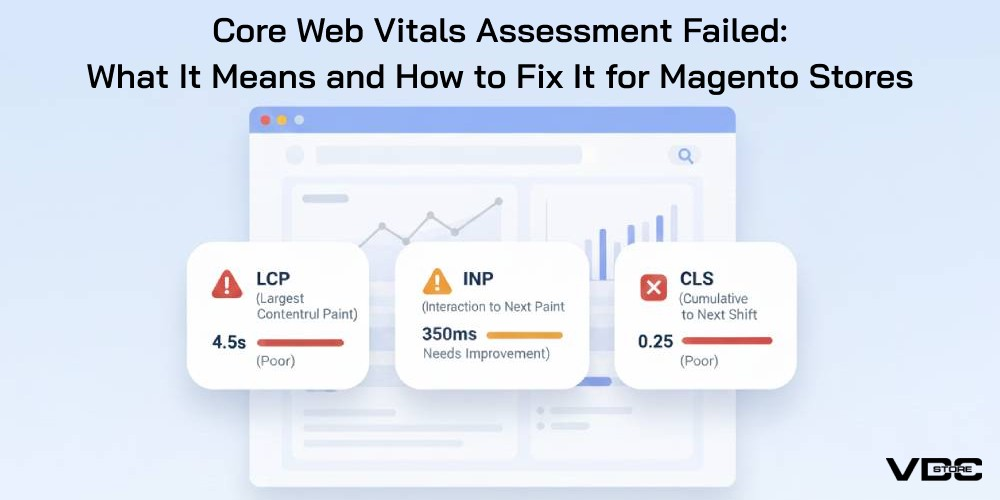
Core Web Vitals Assessment Failed: What It Means and How to Fix It for Magento Stores
 December 30, 2025
 -
Building a Successful Adobe Commerce Marketplace: Key Features and How to Choose the Right Approach
 December 29, 2025
 -
Magento 2FA Explained: Enabling, Managing, and Optimizing Store Security
 December 26, 2025
 -
7 E-Commerce Trends That Will Transform Shopping in 2026
 December 25, 2025